

Quick links to mental health, wellness programs, and student life services
How to Make Sure You’re Getting Notifications
- Sign up for emergency alerts through myNU
- Allow 24 hours for the system to sync
- Download PurplePing from the Google Play Store or Apple App Store
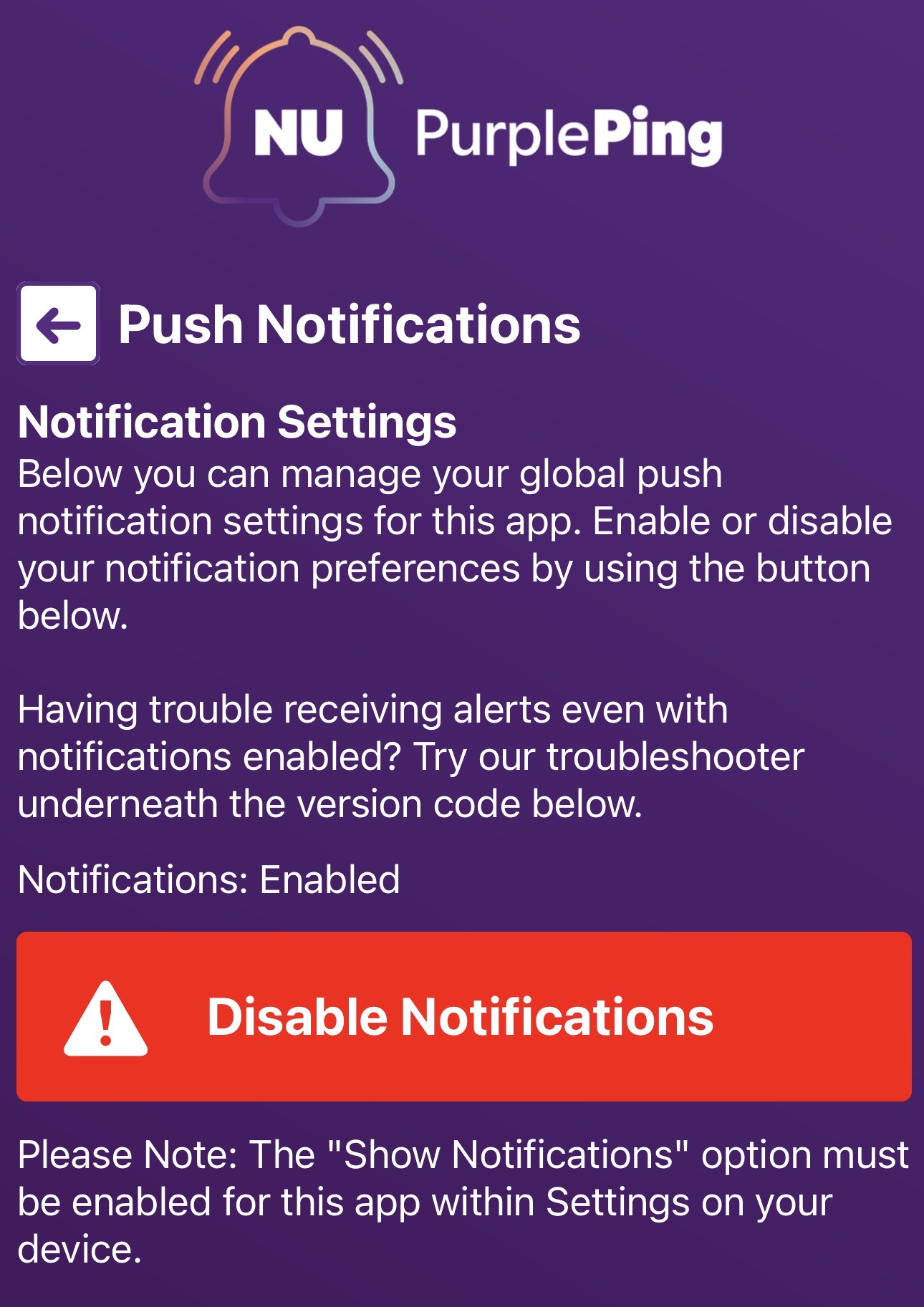
- In the app, go to About/Preferences > Notification Settings
- Make sure Notifications: Enabled appears above the button – they are off by default and must be turned on to receive alerts
- Make sure Notifications: Enabled appears above the button – they are off by default and must be turned on to receive alerts
Want to Share Feedback or Run into a Problem?
- Open the App
- Go to Facility Services > PurplePing Feedback
- Click Compose Email and let us know what’s up, suggestion or to report a bug
Having trouble logging in with your SSO or not getting alerts? Reach out to our IT team.